Two-deck gapless & crossfade engine, EBU R128 loudness normalization, internet radio streams, integrated video playback with detachable floating panel, an hourly clock-wheel scheduler, cue points with intro/outro markers, a stereo VU meter, and 25 configurable jingle buttons — all in one self-contained Windows app for radio professionals.
Everything you need for professional radio station media playback
Run video playback directly inside the main studio layout while audio remains synchronized with the broadcast pipeline. Detach the panel into a floating, resizable window when operators need dedicated video control.
A professional audio engine built for on-air use. Two playback decks feed a single mixer into a persistent WASAPI output, delivering true gapless swaps and equal-power crossfades with zero click between tracks.
Every track plays at the same perceived loudness — no more surprise volume jumps. Integrated-loudness measurements follow the EBU R128 / ITU-R BS.1770 approach and are cached to disk so playback is instant-ready.
Drop Icecast, Shoutcast or MMS URLs straight into your playlist and treat them like any other track. The duration column shows LIVE so on-air staff instantly know what's going out.
The standard radio-automation "clock wheel" — drop slots that fire at a fixed minute (and optional second) of every hour, or only during a chosen set of hours. Perfect for legal IDs, news drop-ins and hourly jingles.
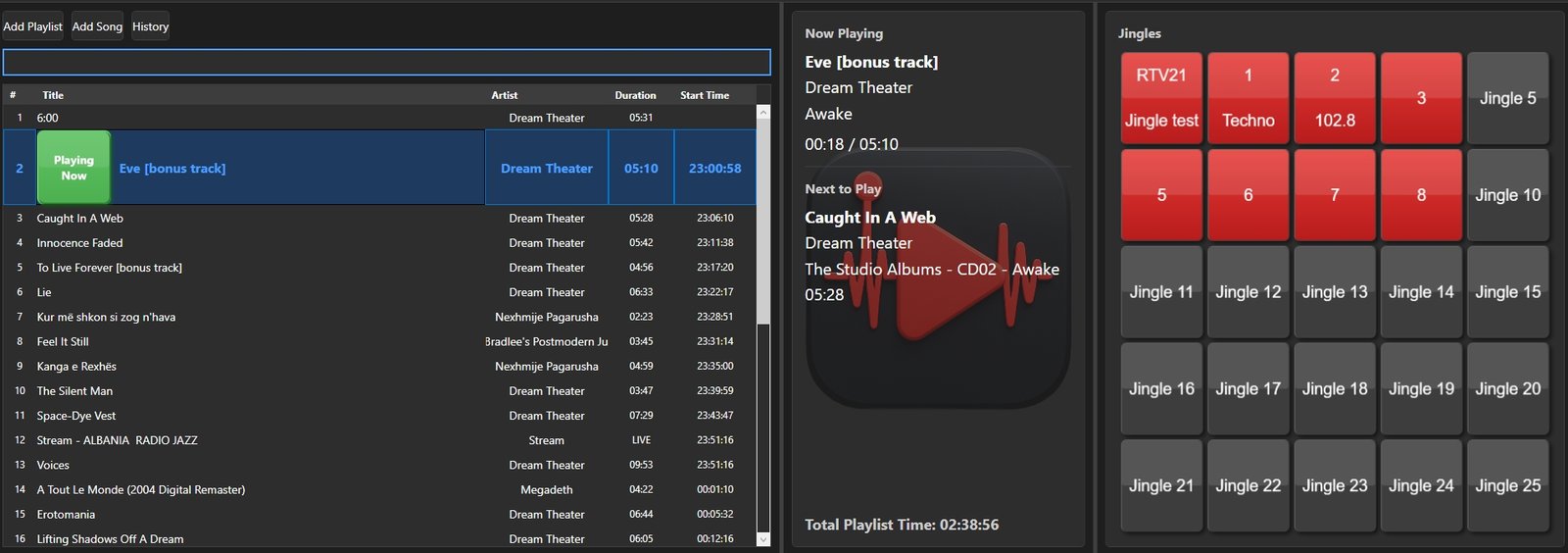
clockwheel.jsonComprehensive playlist tools with drag-and-drop, search, automatic persistence, and a calculated Start Time column so you know exactly when each track airs. Mix audio files and live streams in the same list.
Fire jingles instantly with a dedicated panel of 25 buttons. Music volume automatically ducks while a jingle plays and restores the moment it ends.
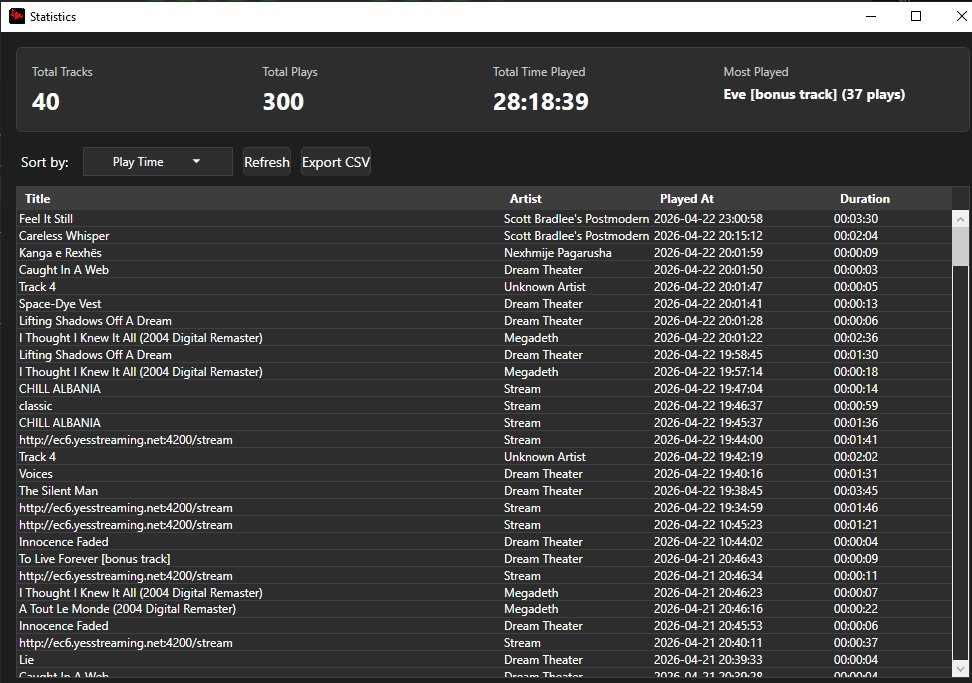
Detailed statistics tracking with SQLite database. Monitor play counts, total time played, and playback dates for comprehensive reporting.
Flexible playback options including shuffle and repeat modes. Perfect for live radio broadcasting and automated playlists.
Automatic reading of MP3 metadata with intelligent fallback to filenames. Display title, artist, album, and track information.
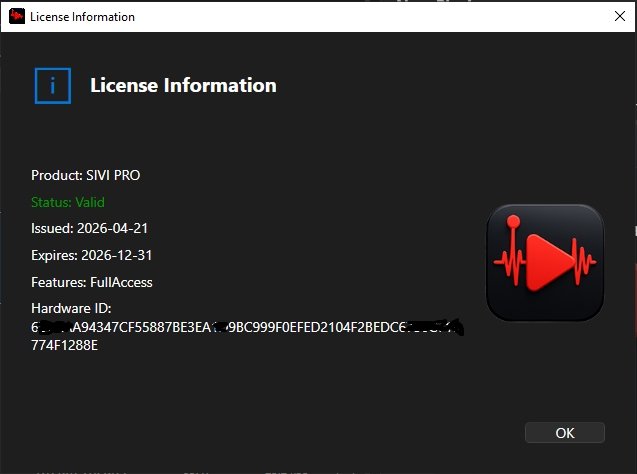
Hardware-based licensing system with RSA-2048 cryptography. License tied to a specific hardware ID for security and compliance.
Stay on-air without leaving the keyboard. Broadcast-friendly shortcuts for playback, navigation and jingles, fully customizable in Preferences.
Comprehensive in-app documentation is always one key away. Press F1 to open a scrollable help window covering every feature and workflow.
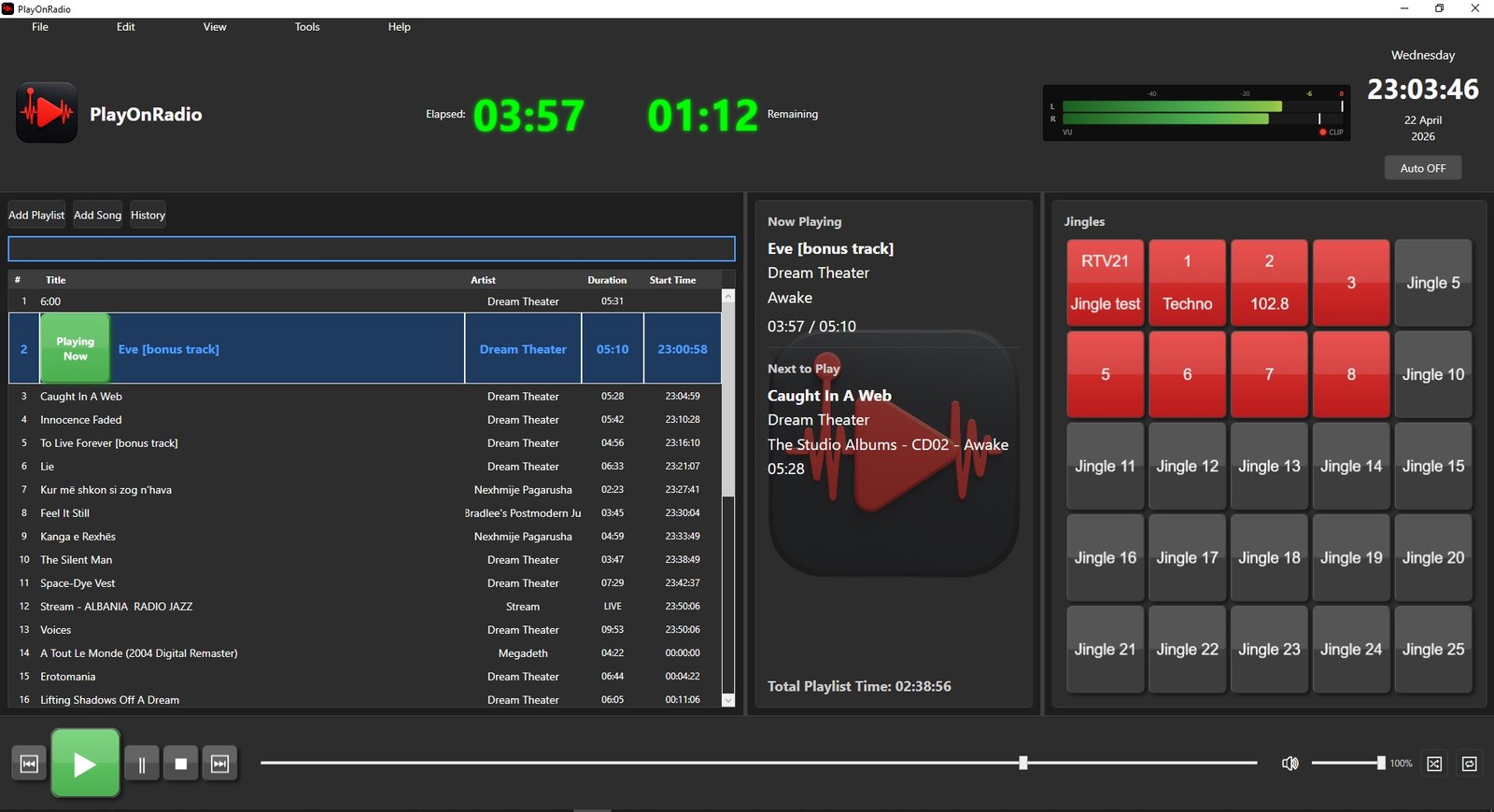
The header is a true broadcast dashboard — a post-mix stereo VU meter with peak-hold markers and a CLIP overload LED sits next to a huge green digital Elapsed / Remaining timer block, your station logo and the live studio clock.
Protect advanced configuration behind a Superuser login. DJs get a focused on-air interface, while station managers can unlock the full preferences dialog to tweak every setting.
Turn your play history into actionable reports. A dedicated Stats window visualizes airtime data, and built-in CSV export — manual or scheduled — makes music royalty reporting effortless.
Mark exactly where a track's vocal comes in, where the outro should start, and where the playlist should pause for a live talk segment — all with visible markers on the progress slider.
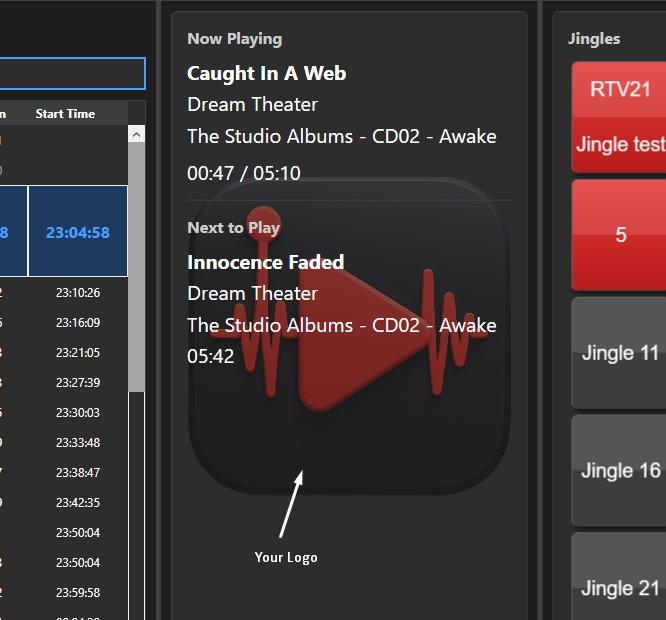
Make PlayOnRadio look like your station. Customize text styling, load your logo, and switch between Dark and Light themes to match your studio environment.
See PlayOnRadio in action
Main Interface with VU Meter & Digital Timers
Playlist Management & 25 Jingle Buttons
Professional Broadcasting View
Play History & Track Details
Customizable Station Branding
About & License Information
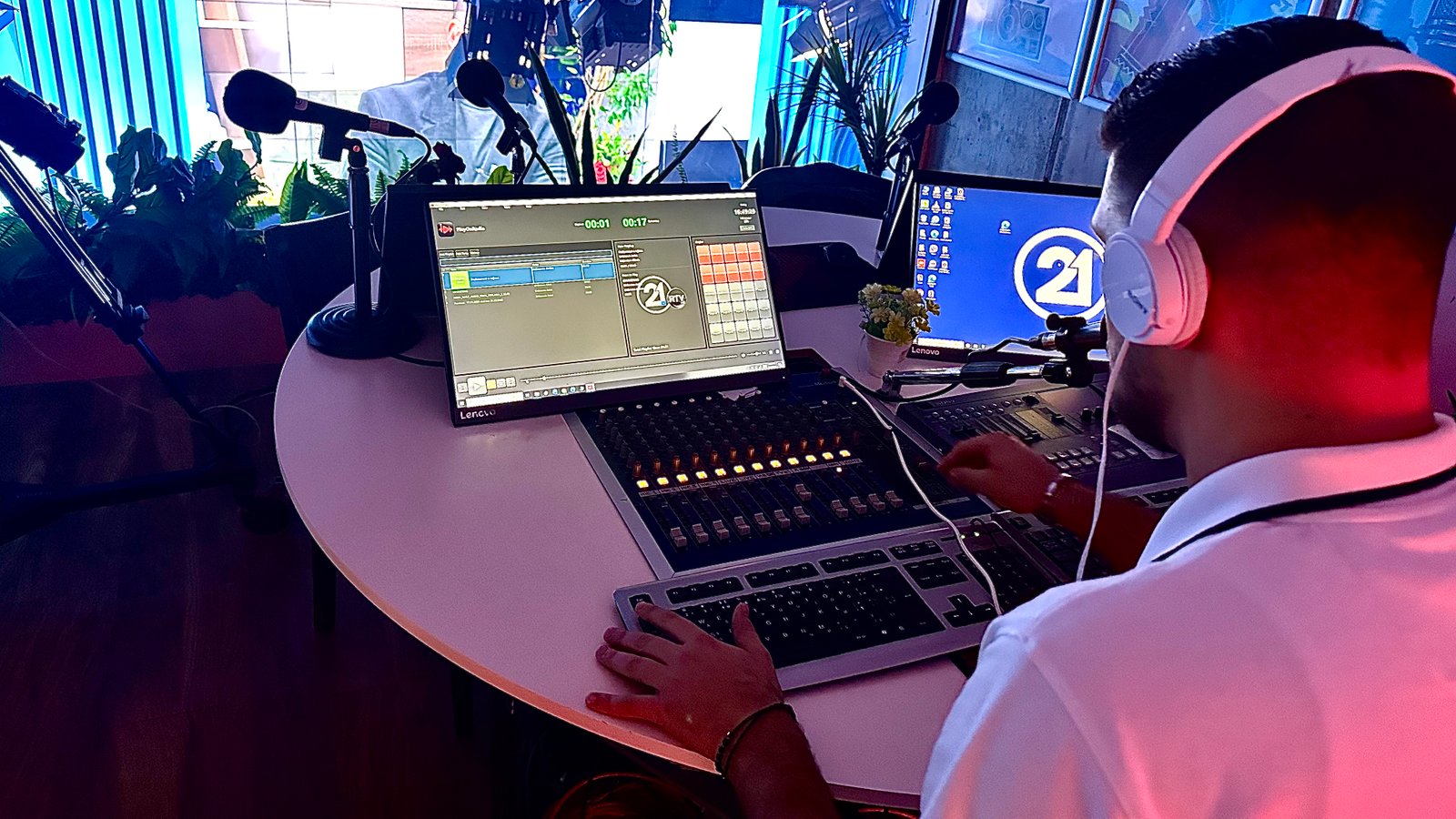
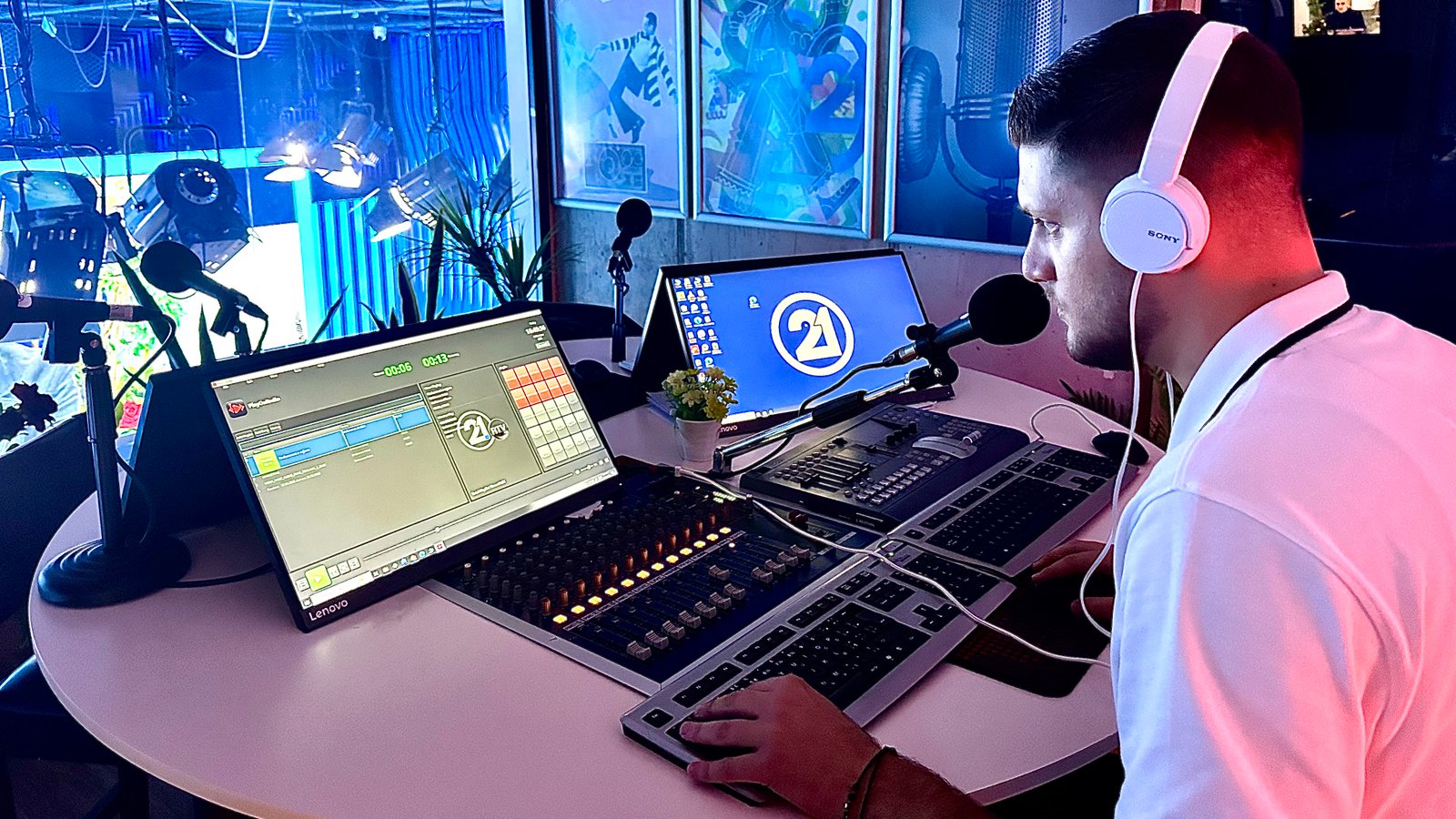
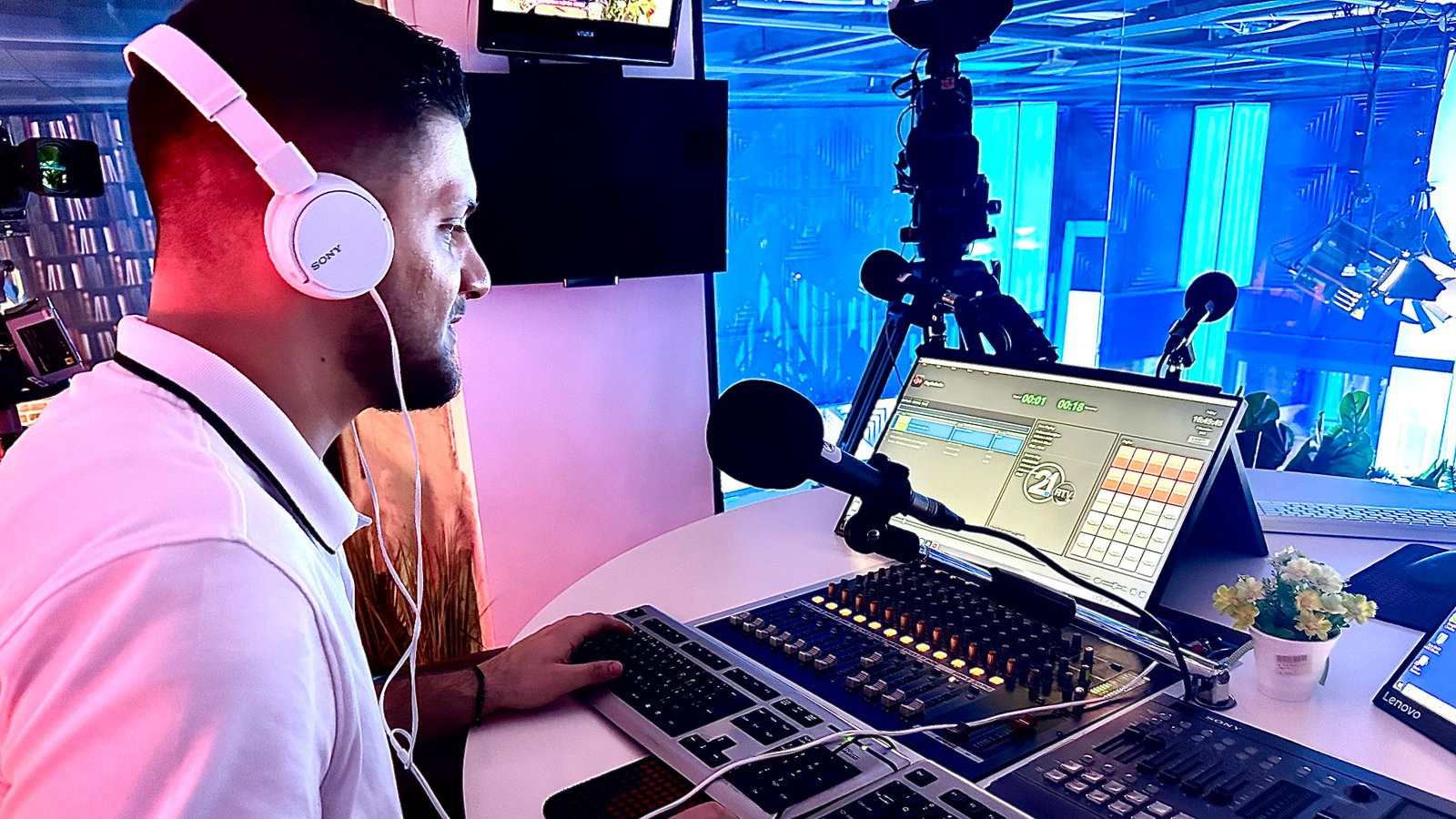
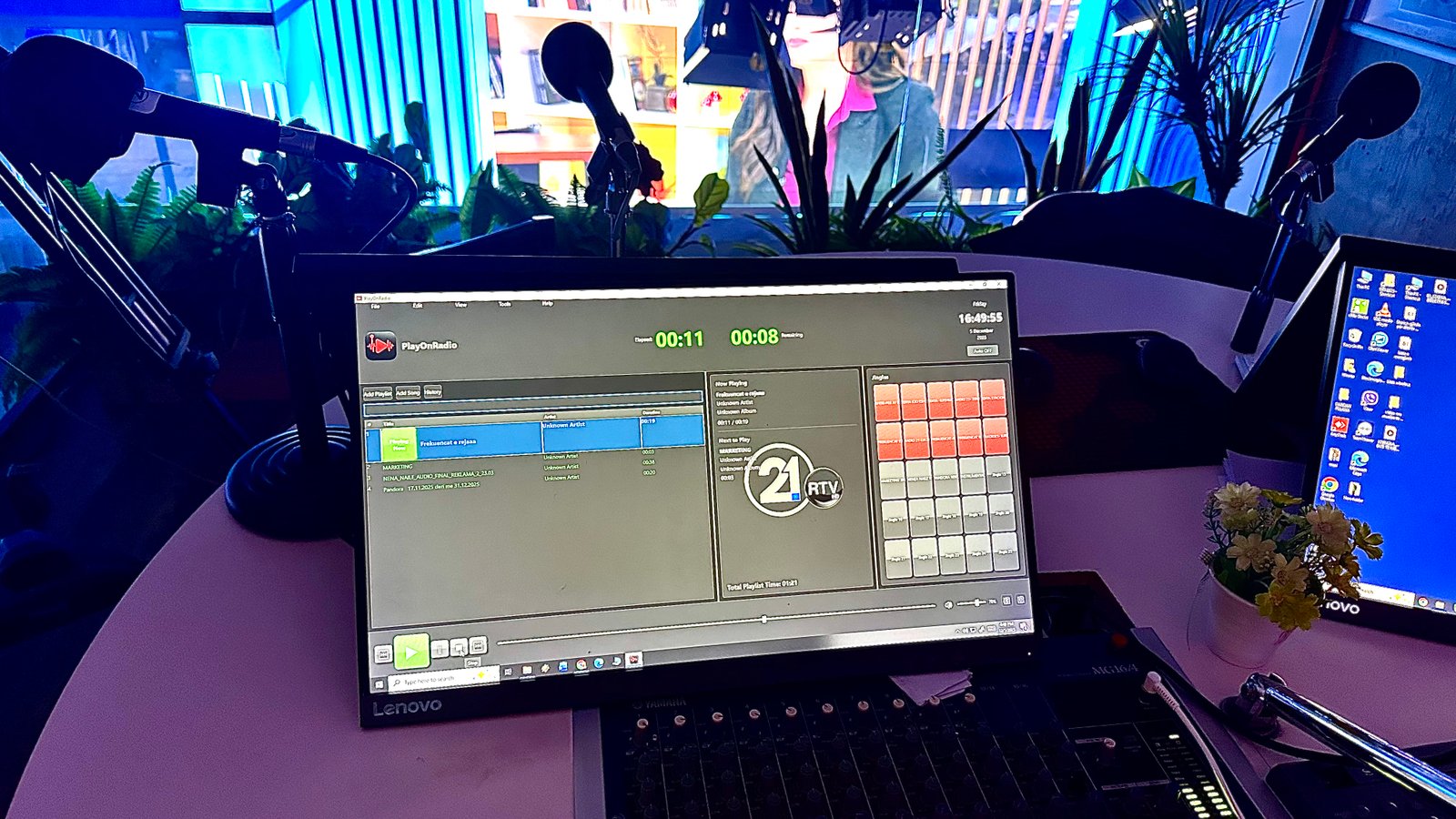
See PlayOnRadio in action at Radiotelevizioni 21
PlayOnRadio is now powering the media playback at Radiotelevizioni 21, delivering broadcast-grade audio management, gapless playlist control, and an hourly clock-wheel for their on-air operations.
Simple, transparent pricing for professional radio stations
Full-featured professional radio station media player
License activation required after purchase
Hardware-based licensing with RSA-2048 cryptography ensures your license is secure and tamper-proof.
Contact us for payment processing. We accept bank transfers, PayPal, and other payment methods.
Annual license includes 1 year of updates and support. Renew before expiration to continue receiving updates.
Built with modern technologies for reliability and performance
clockwheel.json)loudness-cache.json)Get started with PlayOnRadio in minutes
Install PlayOnRadio and launch the application
Copy your unique Hardware ID from the activation window
Send your Hardware ID to your license provider
Paste the license into the activation dialog and start using PlayOnRadio
Everything you need to get the most out of PlayOnRadio
Comprehensive guides and technical documentation
Common issues and solutions
Get help from our support team
Company: Play On Radio
Email: support@playonradio.com
Copyright: © PlayOnRadio 2026